1. Describe the image in words
Start with who appears, where they are, and what is happening.
Beginner guide
AI image generation creates images from prompts or references. For dream novels, it is useful for protagonists, covers, scenes, and backgrounds.
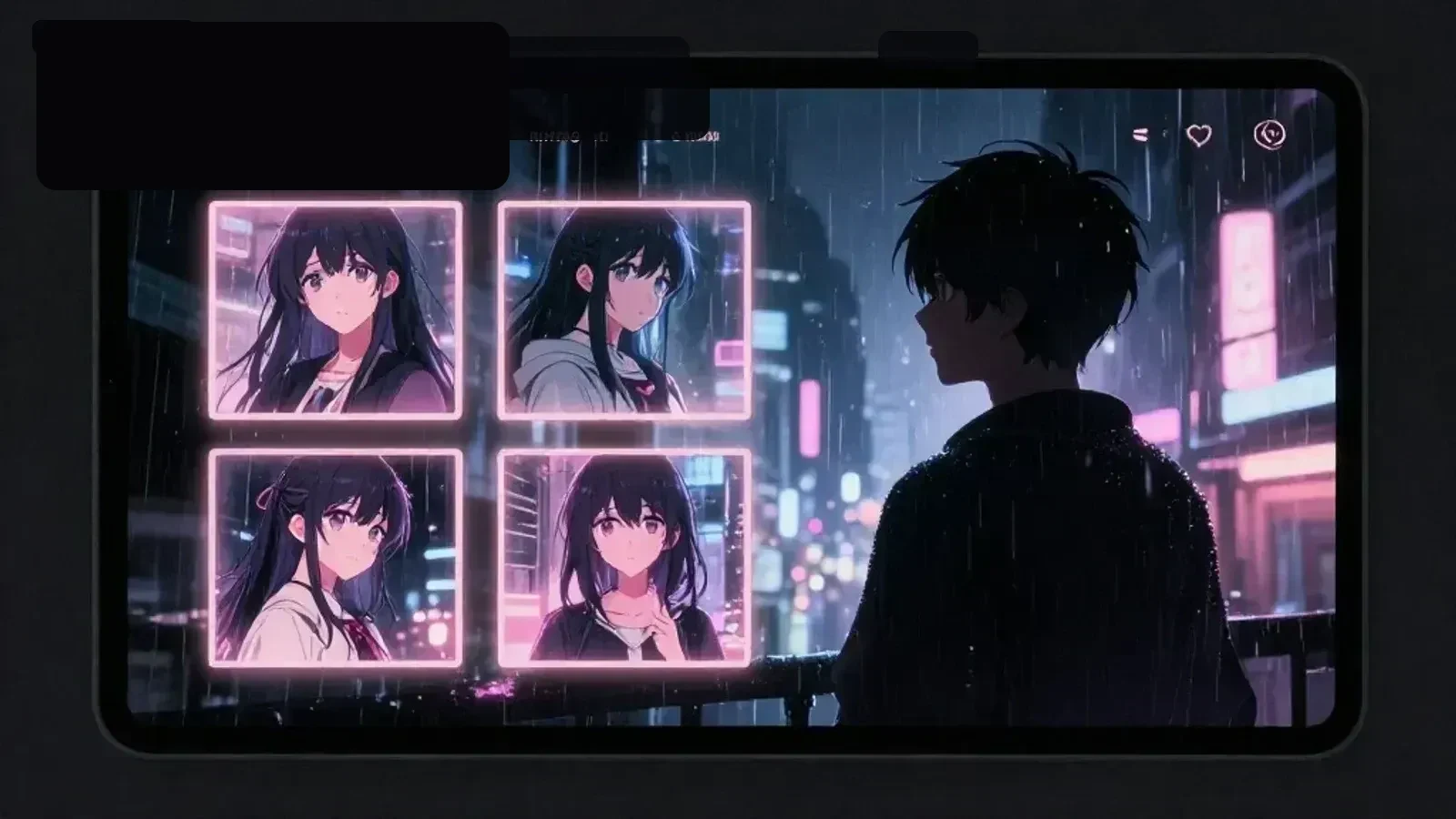
Start with who appears, where they are, and what is happening.
Decide whether the image is a protagonist portrait, cover, illustration, background, or icon.
Order the prompt as subject, relationship, setting, emotion, style, and composition.
Use the image to refine character, setting, opening scene, and dialogue tone.
Use it to define protagonist appearance, cover mood, scene composition, and background atmosphere.
Focus on original characters and atmosphere rather than copying existing people or copyrighted characters.
Dream stories often need visual mood before prose. A protagonist image, scene image, cover, or background can clarify the story direction.
AI image tools struggle with exact text, perfectly stable identity, hands, small props, and repeated details. Text-free mood assets reduce failure.
Check the prompt, distance from copyrighted work, platform rules, and sharing scope before making an image public.
It creates new images from text prompts or reference images.
It helps create protagonists, covers, illustrations, scene images, and backgrounds.
AI image generation
Create protagonist art, dream-picture scenes, covers, and backgrounds with Yumejo’s AI image generator. Adjust your prompt, then generate the image.