1. Choose the protagonist type
Decide whether the protagonist is self-insert, fixed, or a hybrid. A hybrid often works best for AI stories.
Protagonist maker
Turn the dream protagonist into a visual reference, then connect the look to name, pronouns, role, personality, and relationship dynamics.
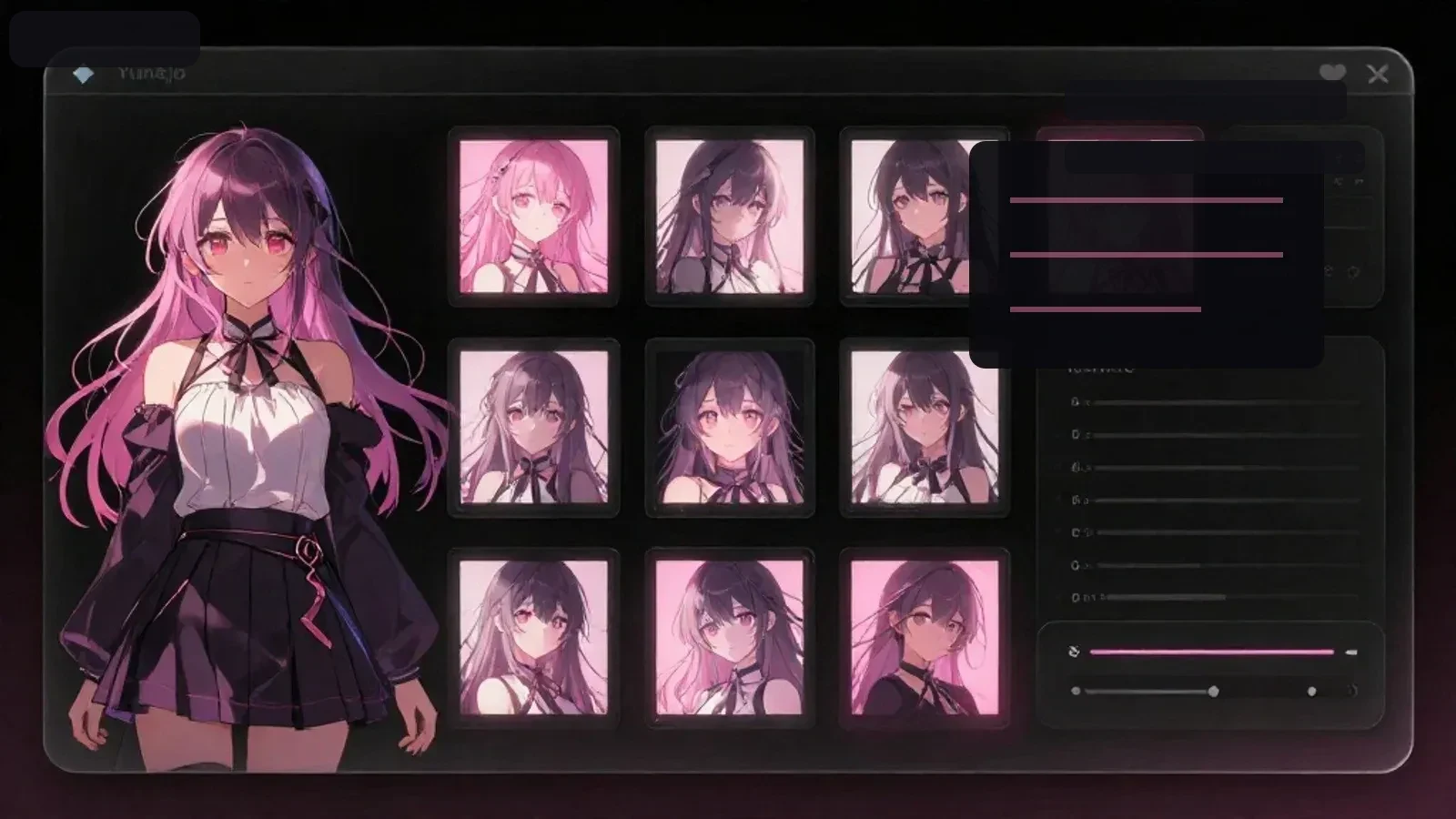
Decide whether the protagonist is self-insert, fixed, or a hybrid. A hybrid often works best for AI stories.
Use hair, outfit, expression, color, and props, plus mood words like quiet, sharp, or fragile.
Classmate, childhood friend, guarded royal, and contract partner all create different story dynamics.
After generating art, add name, pronouns, nickname, secret, and weakness for story creation.
A useful protagonist profile includes appearance, name, voice, role in the setting, and emotional distance from the love interest.
The goal is an original protagonist and story mood, not a clone of an existing copyrighted character.
A useful profile is not long by default. It defines the name, voice, role, relationship, visible personality, and private vulnerability.
Image prompts should describe what appears on screen. Shy becomes averted eyes; stubborn becomes a straight posture; guarded becomes folded arms.
Keep the protagonist core stable, but allow the scene to change reactions. That keeps the character recognizable without making every scene feel identical.
Original dream protagonist in a school setting, quiet expression, visual novel style, no text. Use original characters and avoid copyrighted character lookalikes. Keep the result safe for work.
Generate an AI imageOriginal dream protagonist in a moonlit palace, elegant outfit, fantasy romance mood, no text. Use original characters and avoid copyrighted character lookalikes. Keep the result safe for work.
Generate an AI imageUse the image as a starting point for appearance, name, role, personality, and relationship settings.
Yes. It works for self-insert, fixed protagonist, and semi-self-insert styles.
AI image generation
Create protagonist art, dream-picture scenes, covers, and backgrounds with Yumejo’s AI image generator. Adjust your prompt, then generate the image.